

title: Client Packaging Setup Instructions
Note: Packaging must be created first before following these steps. Refere to the Warehouse Packaging doc for instructions on creating packaging. How to turn on/off auto packaging allocation- Navigate to the “Clients” tab

- Select the desired client
- Navigate to the “Settings” tab then “Packaging”


- Please note auto allocation will be on by default
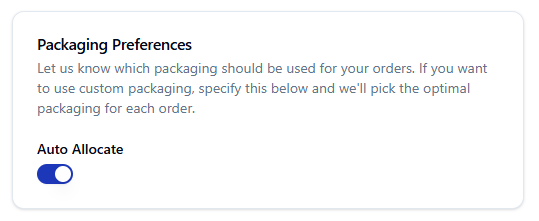
- Navigate to the “Clients” tab
- Select the desired client and click “Log In”

- Navigate to the “Inventory” tab then “Packaging”

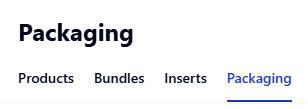
- You can configure the packaging as needed
