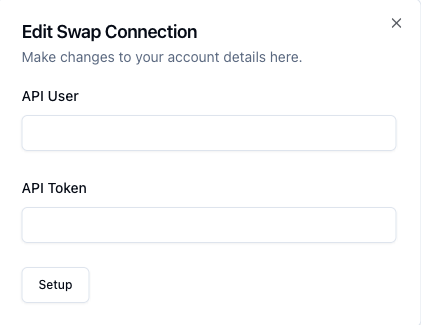
In order to connect your Swap account to Pimento, we require the following information:
API User
API Token
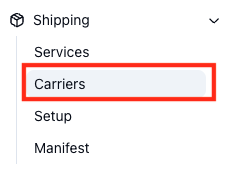
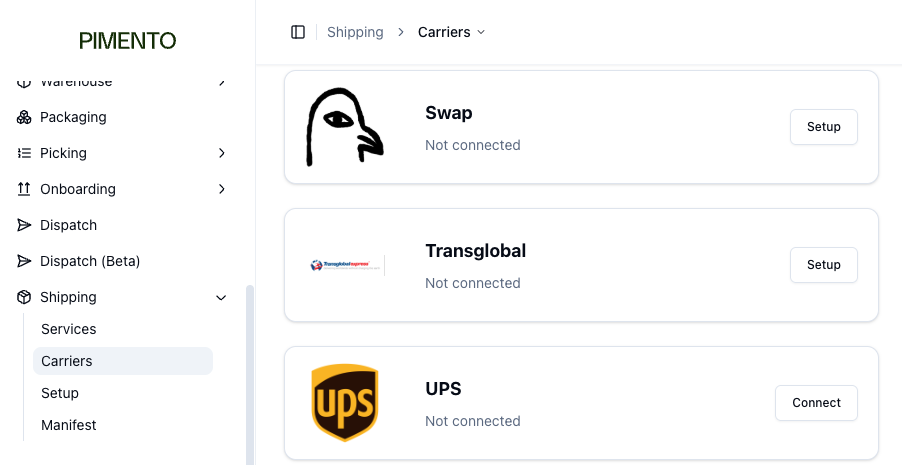
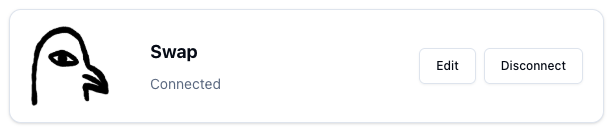
Note: These will both be provided by your Swap account managerTo connect Swap you will need to head to Shipping > Carriers located on the left hand side of the navigation bar:Then find Swap with the carrier listEnter the details you have been providedOnce done hit save and if everything is connected you will see the connected screen: