> ## Documentation Index
> Fetch the complete documentation index at: https://docs.getpimento.com/llms.txt
> Use this file to discover all available pages before exploring further.
# Sellbrite
[Sellbrite](https://sellbrite.com/) is a platform which enables brands to list and sell their products on online marketplaces. It is commonly used to connect [Amazon](https://www.sellbrite.com/integrations/amazon) and [Walmart](https://www.sellbrite.com/integrations/walmart) stores to Pimento.
To connect your Sellbrite account to Pimento, follow the below steps:
1. Navigate to the **Settings** section of the Cratejoy dashboard. Select **API** from the sidebar. Here will be your Account Token and Secret Key.
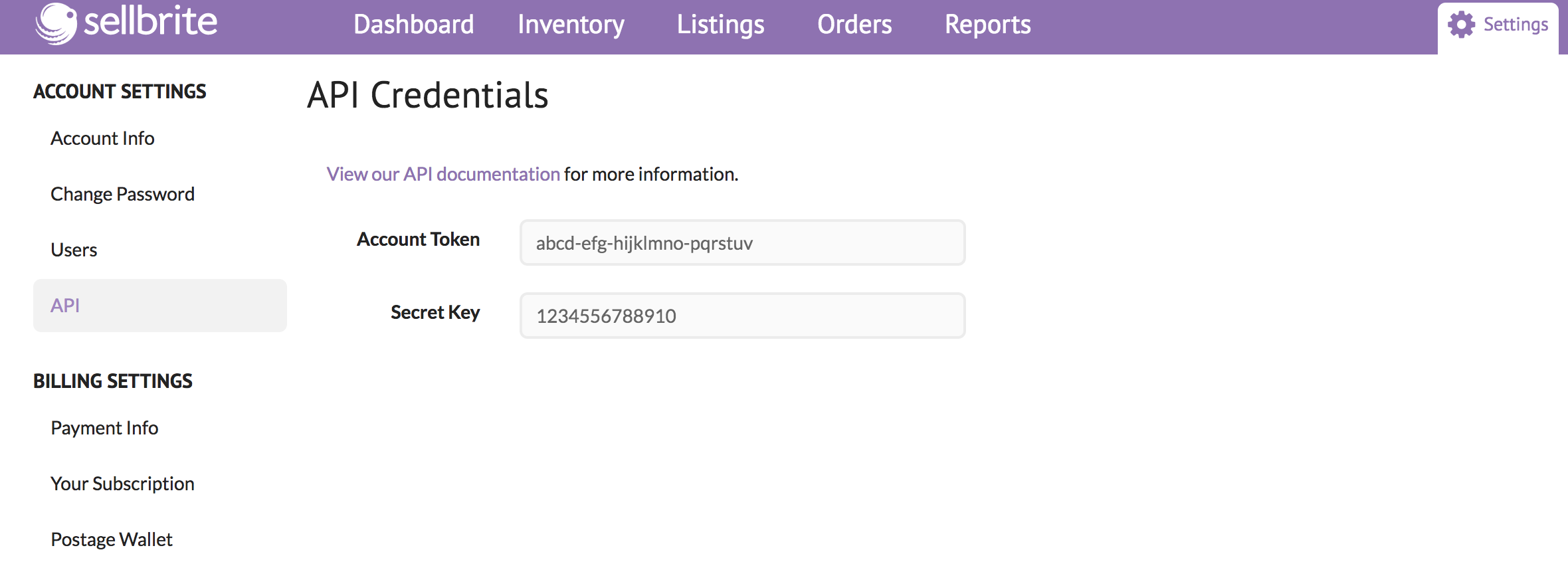 3. Once you have these credentials, navigate to [Settings > Integrations](https://web.tryhutch.co.uk/clients/settings/integrations) within the Pimento dashboard, and press **Connect** within the Sellbrite section.
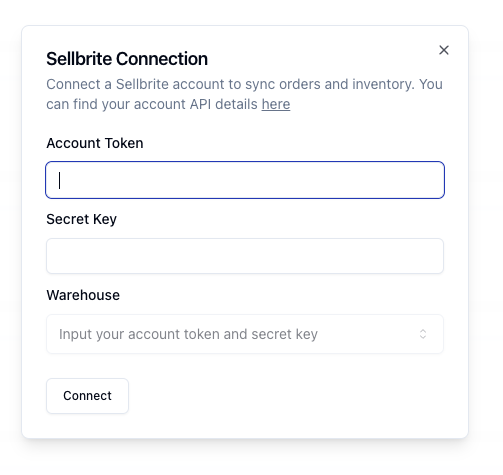 4. Once you enter these credentials, select a Sellbrite Warehouse from the list and then press **Connect**. Your Sellbrite store is now connected to Pimento.