> ## Documentation Index
> Fetch the complete documentation index at: https://docs.getpimento.com/llms.txt
> Use this file to discover all available pages before exploring further.
# Etsy
[Etsy](https://www.etsy.com/) is an marketplace where you can buy and sell unique, handmade, and vintage items from sellers around the world.
To connect your Etsy account to Pimento, follow the below steps:
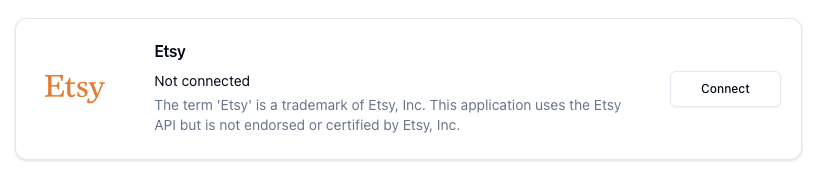
1. Navigate to [Settings > Integrations](https://web.tryhutch.co.uk/clients/settings/integrations) within the Pimento dashboard, and press **Connect** within the Etsy section.
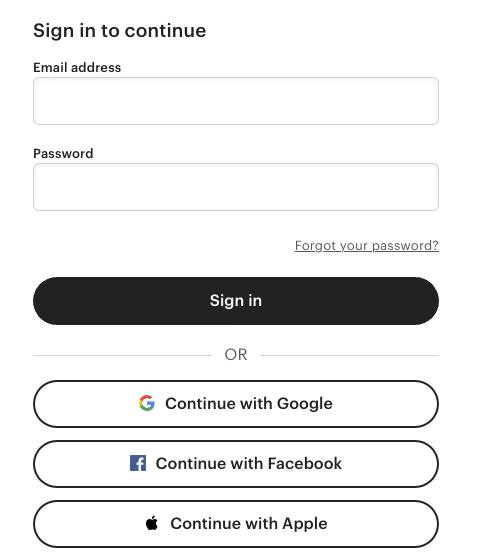
 2. You will be redirected to Etsy where you need to login to your account
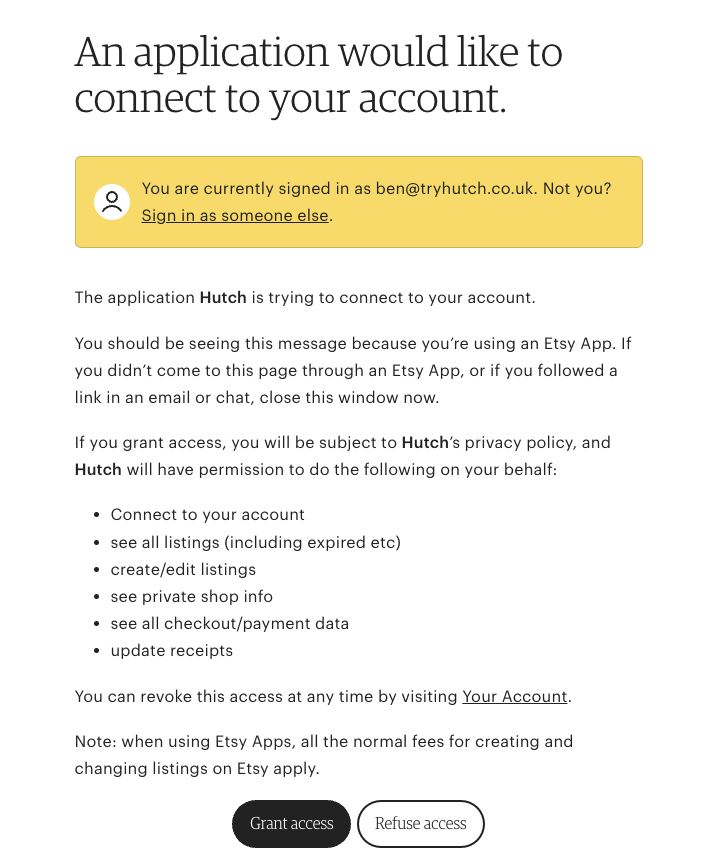
 3. Click **Grant access** when prompted to allow Pimento access
 4. You will be redirected back to the Pimento dashboard and your Etsy store is now connected!