> ## Documentation Index
> Fetch the complete documentation index at: https://docs.getpimento.com/llms.txt
> Use this file to discover all available pages before exploring further.
# eBay
[eBay](https://www.ebay.co.uk/) is a global e-commerce platform which allows individuals and businesses to sell online.
To connect your eBay account to Pimento, follow the below steps:
1. Navigate to [Settings > Integrations](https://web.tryhutch.co.uk/clients/settings/integrations) within the Pimento dashboard, and press **Connect** within the eBay section.
 2. You will be redirected to eBay where you need to login to your account
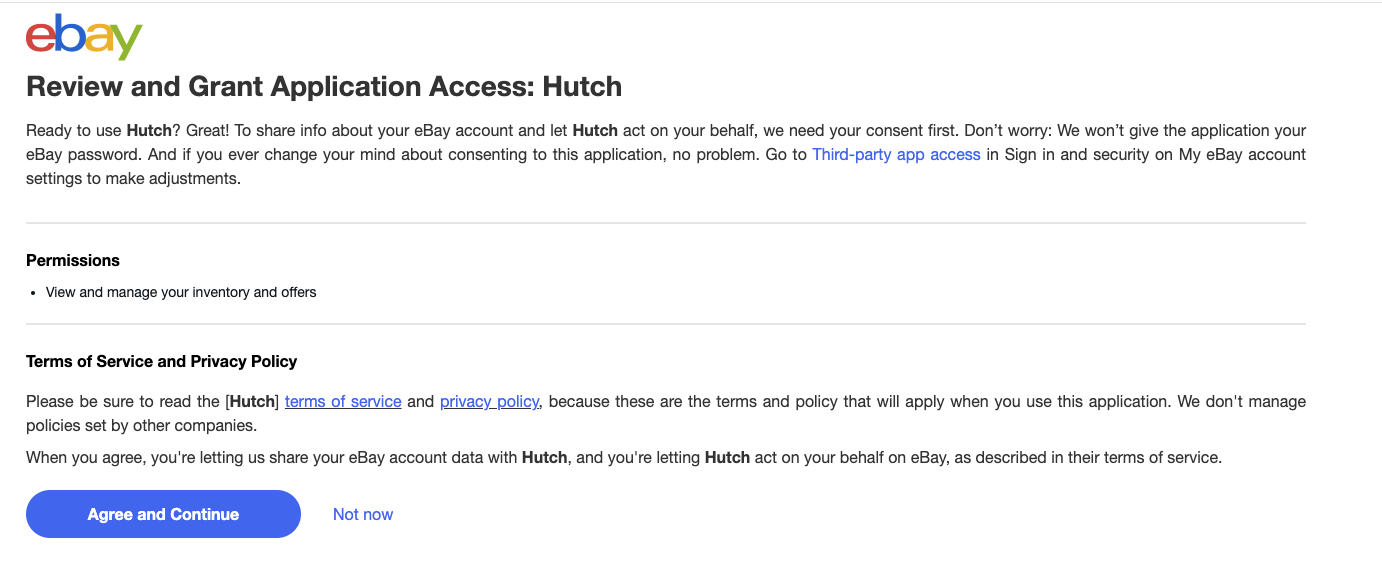
 3. Click **Agree and Continue** when prompted to allow Pimento access
 4. You will be redirected back to the Pimento dashboard and your eBay store is now connected!