> ## Documentation Index
> Fetch the complete documentation index at: https://docs.getpimento.com/llms.txt
> Use this file to discover all available pages before exploring further.
# Cratejoy
[Cratejoy](https://cratejoy.com) is a marketplace specifically designed for subscription boxes.
To connect your Cratejoy account to Pimento, follow the below steps:
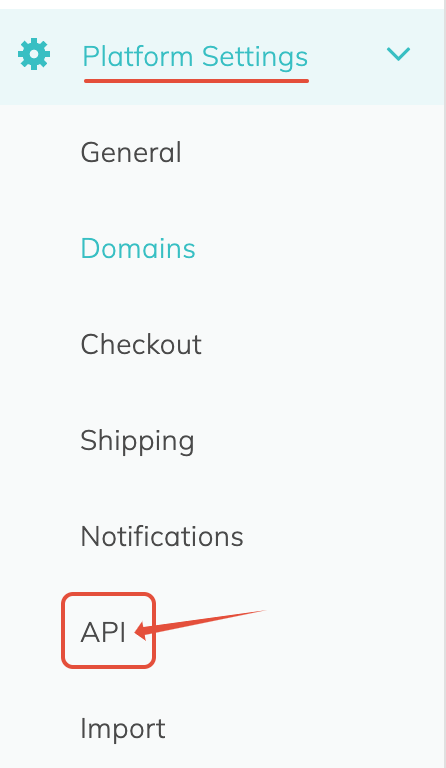
1. Navigate to the **API** section of the Cratejoy dashboard, within **Platform Settings**
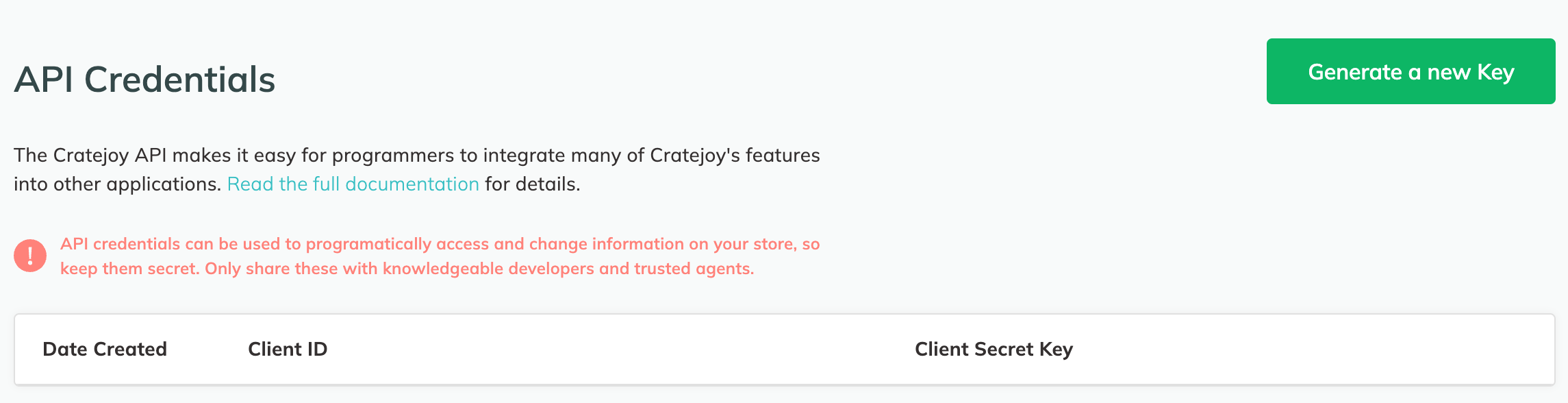
 2. Click on the green **Generate a new Key** button, a pop-up will appear with the Client ID and Client Secret Key. Save these credentials somewhere safe, as they cannot be accessed again once you leave this page.
 3. Once you have these credentials, navigate to [Settings > Integrations](https://web.tryhutch.co.uk/clients/settings/integrations) within the Pimento dashboard, and press **Connect** within the Cratejoy section.
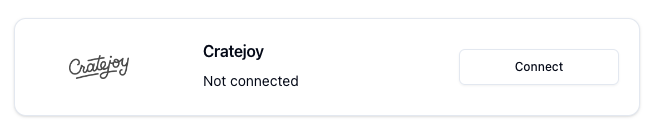 4. Enter the API Credentials in the popup and press **Connect**
